
ARQS releases DataForge Local Studio as a $99 local Linux data workspace
The one-time local software package profiles, cleans, combines and exports structured data, with offline installation and recovery tooling.
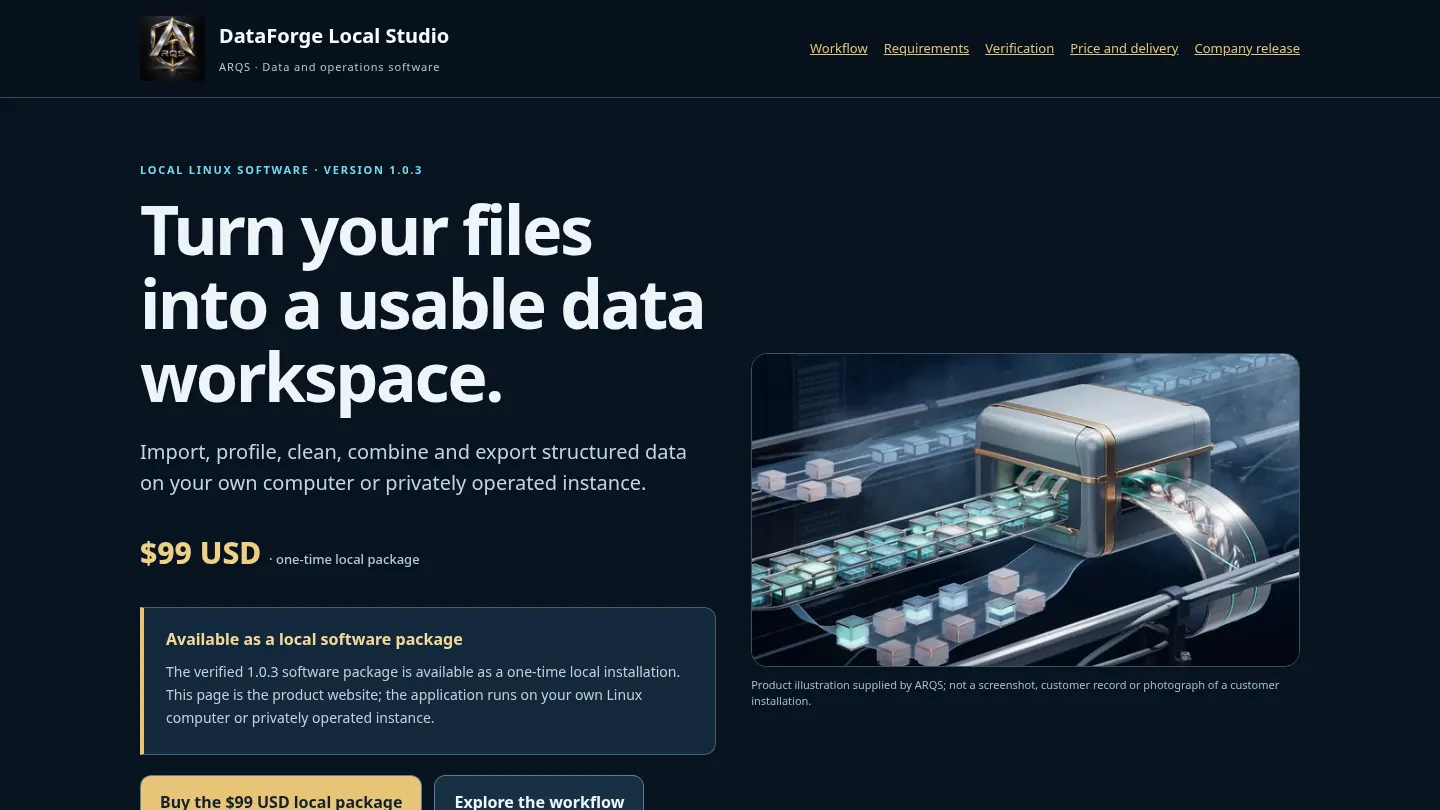
Company release. Product information supplied by ARQS. Commercial links lead to the product provider. This article describes the local workflow, compatibility requirements and delivery terms.
Product URL: https://www.arqs.ca/software/dataforge
ARQS has made DataForge Local Studio available as a $99 USD one-time local Linux software package. Its application imports, profiles, cleans, searches, combines and exports structured business files on the operator's own computer or privately operated instance. The business profile describes an owner-managed product, rather than a shared public processing account.
From supplied files to an inspectable result
The data workflow accepts CSV, JSON, JSONL/NDJSON and Excel. A profile exposes column types, nulls, distinct values and malformed records. The original upload is retained, so a user can compare the input with the accepted data and the results of a cleaning operation.
Text and date normalization, deduplication on explicit keys and search support preparing a dataset. Joins and stacking create additional datasets from selected inputs. CSV, JSON and Excel exports give the user files to inspect outside the dashboard. Ambiguous or unparseable source values still require the operator's judgment.
A local installation with its own working data
Version 1.0.3 requires Linux x86_64 with glibc 2.28 or newer, a writable local disk, a terminal and an installed modern browser. The corrected package includes Python 3.12.15 and pinned dependency wheels, Caddy 2.11.7, source, examples and guides. Setup uses the included files with required hashes, without contacting a package registry.
The default loopback installation opens at http://127.0.0.1:8765. Its shared store belongs to one owner-managed instance, rather than isolated customer tenants. A network-facing bind requires authentication and HTTPS. Supplied Compose/systemd configurations are operator tools; the buyer still provides the host, permissions and DNS. A browser executable is not bundled.
If the extracted installation moves, run ./setup.sh in the new location to recreate its path-specific environment. Keep the instance directory and original input files when upgrading, and take a verified backup before replacing an installation. The included user, deployment and restore guides explain those operator steps. Keeping the editable inputs, working state and exported results distinct helps the owner inspect a change without losing the material needed to recover or repeat it.
Keep the working copy recoverable
The browser dashboard is an interface to the local service. Datasets, originals, checkpoints and exports persist in the installation's instance directory. Stopping the process and starting it again reopens that working data. A paused ingest can resume from its saved position, rather than require the operator to discard the original upload and begin the same job again.
A cold backup is taken with the writer stopped. The restore workflow verifies archived checksums before publishing the restored directory and relocates source/checkpoint paths when the installation moves. Retaining that backup separately from the working disk gives the owner a recovery copy. Export files remain useful for sharing results without sharing access to the full local data store.
Evidence from source checks and internal use
Current source passed functional and security checks, including a 200,000-row synthetic workflow, streamed-upload limits and spreadsheet-safe exports. Desktop and phone browser workflows and an isolated certificate-verified HTTPS gateway were also exercised. These are actual application checks, not an assertion that a customer's public host has been installed.
An internal synthetic catalogue job imported, normalized and deduplicated records, joined prices and exported CSV and JSON. The data survived restart and a checksum-verified cold backup with relocated restore. No customer records or paid order were used in that exercise. A fresh offline installation has also been exercised from the software package.
Price, delivery and product access
The product is priced at $99 USD. Buyers can use the existing ARQS Store product page for the verified local package. The Linux package requirements should be checked before payment.
ARQS's delivery promise is to email the software package or a secure download link within 72 elapsed hours of successful payment, or a full refund if it cannot deliver within that window. Delivery and any required refund are owner-operated; no automatic instant attachment is promised. sales@arqs.ca handles support. The product's own website provides the exact scope and access route.
Most read
- Court halts Vancouver Aquatic Centre demolition until after civic election
- TSX gains 319 points as energy and telecom stocks lead
- Poilievre takes his tariff-free auto pact pitch to Detroit
- 'I Play Rocky' and 'Ceremony' take VIFF audience awards
- BC Conservatives take five-point lead as leaders head into only TV debate