
What it does
Dependency order
Jobs are ordered by what they depend on. Cycles and dependencies on jobs that do not exist are caught before they stall a run.
Projected plan
Each job starts when its last input finishes. Durations come from the median of recent successful runs, so the plan matches reality.
Deadlines and critical path
Give a job a finish-by time and see whether it will make it, by how many minutes, and which chain of jobs sets the finish.
What happened last night
For any date see which jobs succeeded, failed, were blocked by an upstream failure or never ran.
Recovery queue
Failed and blocked jobs listed in the order to rerun them, with everything each one unblocks. Failure streaks and slow jobs are flagged too.
Tamper-evident and private
Every import and note is SHA-256 hash-chained and stays in your browser. Export a report, a plan CSV or the journal itself.
Tablewright Flow
Your data stays on this device (browser storage). Nothing is uploaded. Tablewright Flow reads the job list and run log you provide. It does not connect to or trigger your scheduler.
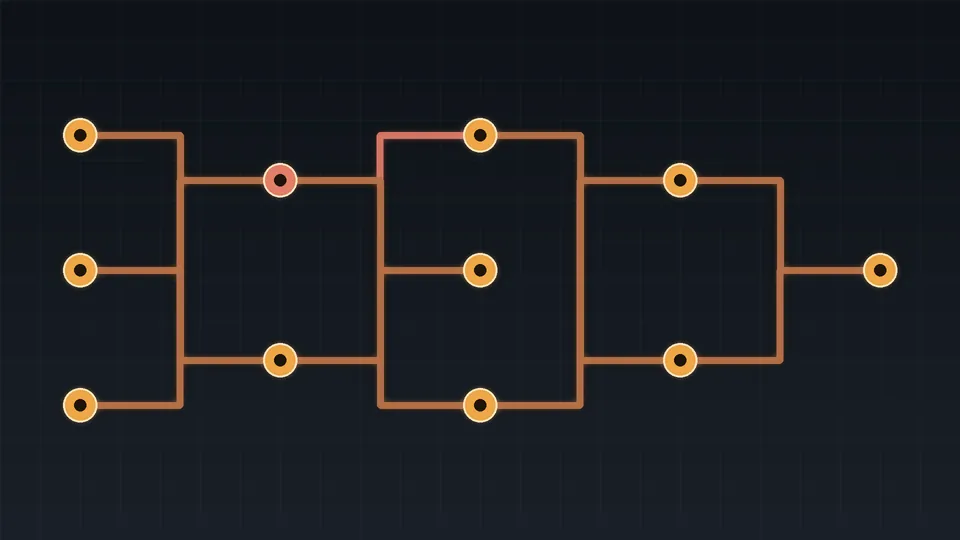
Image: original artwork generated for ARQS with Python and Pillow (no stock or third-party imagery)